The AI Change Order Pack
$47
One-time payment
- PDF guide: manual and automated setups
- 10 copy-paste prompts
- Editable change order template (.docx)
- Approval texts, emails and on-site scripts
- Pricing checklist + sample contract clause

For residential builders & remodelers
Text or talk the change into your phone on site. AI writes a one-page change order in about a minute. You check the price, the client approves it, and it goes on the next invoice as its own line.
Works with your phone today. Plugs into ChatGPT, Claude, Zapier, Make and GoHighLevel. Fits alongside Buildertrend and JobTread. AI writes the words. You set the price.
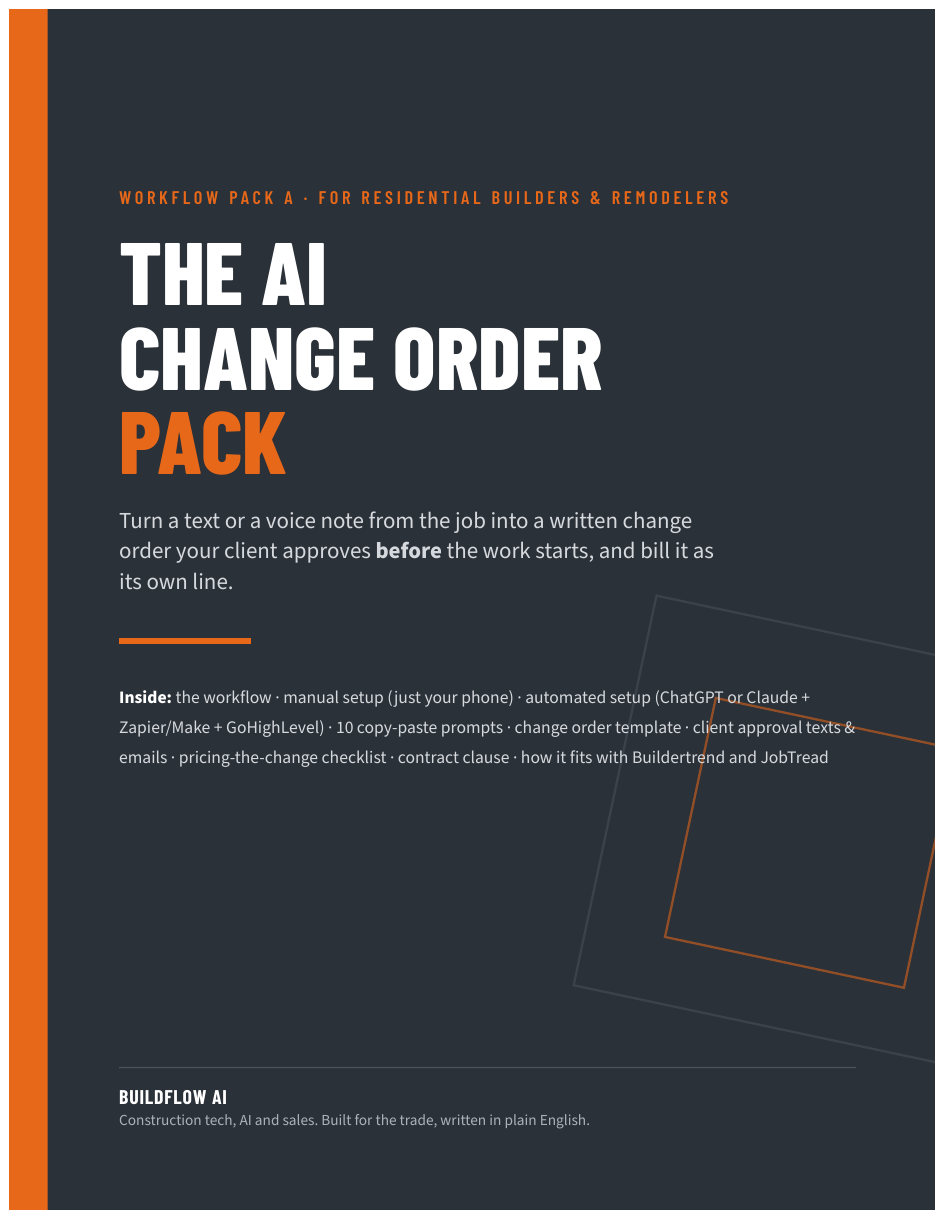 PDF + editable template
The problem
You're framing the basement and the homeowner walks down: "While you're here, can you add an outlet by the bar?" You say "sure, no problem." Twenty minutes, maybe two hours with the box, the wire and an inspection callback. Nobody writes anything down.
Three months later the final invoice says "extra outlet" and you hear: "I thought that was included." Now you either eat it or have an awkward fight with someone who's supposed to be writing you a five-star review.
It keeps happening because writing it up on a ladder feels slow, asking for paperwork over an outlet feels awkward, and changes come in by text, phone call, the driveway and the client's spouse, so none of it lands in one place.
The pack makes the write-up take a couple of minutes instead of twenty. Fast enough that you'll actually do it every time, on every change, even the small ones.
How the change order workflow works
Start on your phone this week. Automate it later if you want it. You review every change order before a client sees it.
Text or talk the change into your phone: what changed, where, rough hours, materials, any sub cost. Add a photo if it helps.
Your AI assistant turns the note into a one-page change order: scope, what's not included, cost breakdown, schedule impact and an approval block. It flags anything you forgot.
Read it like the client will. Are the numbers yours? Is the scope tight? Is the schedule impact honest? The AI never picks your price.
Send it by text or email with a short, friendly message. The client approves by e-signature or a written reply like "APPROVED CO-03", whatever your contract and attorney say counts.
It goes in your change order log (a Google Sheet, Buildertrend, JobTread or your CRM) and onto the next invoice or draw as its own line. Not buried in "misc."
Now you do the work, and it's already on paper, priced and approved. No arguing at final payment.
IN Your field note (talk-to-text is fine)
OUT Approval text you send (from the pack)
| Setup level | What you use | Good for | Setup time |
|---|---|---|---|
| 1. Manual | Your phone + ChatGPT or Claude + a Google Sheet | Solo operators and small crews. Most people should start here. | About an hour, once |
| 2. Automated | Level 1 + a Google Form + Zapier or Make + GoHighLevel | A few jobs running at once, or a crew lead submitting changes | An afternoon |
| 3. In your PM software | AI drafts the wording; Buildertrend or JobTread handles approval and billing | Teams already paying for Buildertrend or JobTread | About an hour, once |
What's in the pack
A 20-page PDF guide plus an editable change order template. Read sections 1 and 2, pick a setup in section 3, and you can be running the same day.
Pricing
Start with the $47 pack and run it from your phone. If you'd rather not touch the setup, we build it in your tools and hand it over.
One-time payment
One-time payment
Get the free clause PDF and we'll email you when it's out.
One workflow, one-time setup
Price depends on your tools and setup.
+ $297/mo for monthly tuning
We'll scope it on the call first.
Software you connect (ChatGPT, Claude, Zapier, Make, GoHighLevel, e-sign tools, API usage) is billed by those vendors and isn't included. The manual version needs no paid automation tools.
Free download
Not ready for the pack? Start with the two pieces that stop the most arguments.
FAQ
No. The manual version is the full workflow: your phone, ChatGPT or Claude, and a Google Sheet. One-time setup takes about an hour. Automation only saves a few taps, and you can add it later.
It can, which is why it only uses the rates and markup you give it, marks anything missing with [NEEDS PRICE], and you review every change order before it goes out. AI writes the words. You set the price.
No. In both the manual and automated versions, you read and approve every change order and every message before the client sees it. That review step is built in and never automated away.
It depends on your state and your contract. Some places have specific rules for home improvement change orders. Ask your attorney. If in doubt, use e-signature, and have your contract spell out how approval works.
Give the AI only what it needs: first name, job nickname, the scope and your numbers. Skip gate codes, alarm codes and payment details. Check your AI tool's data and privacy settings. The signed change order lives in your own Drive, CRM or PM software, not in a chat history.
Yes. Keep your PM software as the system of record and use its change order and approval features. The pack covers the part it doesn't do: turning a messy text from the job into a clean change order in a couple of minutes, ready to paste in.
Most people like knowing the price before they're charged. Keep it short, friendly and fast. The scripts in the pack are written for exactly that conversation.
No. A change order adds to your contract. Your contract should say changes require a written change order. The pack includes sample clause language for your attorney to review.
A PDF guide and an editable .docx change order template you can open in Word or Google Docs. You get the download after checkout.
We start with a call to see your tools and how changes come in today. Then we build and connect the workflow in your accounts, test it, and hand it over with a short walkthrough. You run your jobs.
Get the pack and run it from your phone on the next change, or book a call and we'll set it up in your tools.